
Burst Traffic Playbook: Handling Reddit/Hacker News Spikes on Budget Hosts

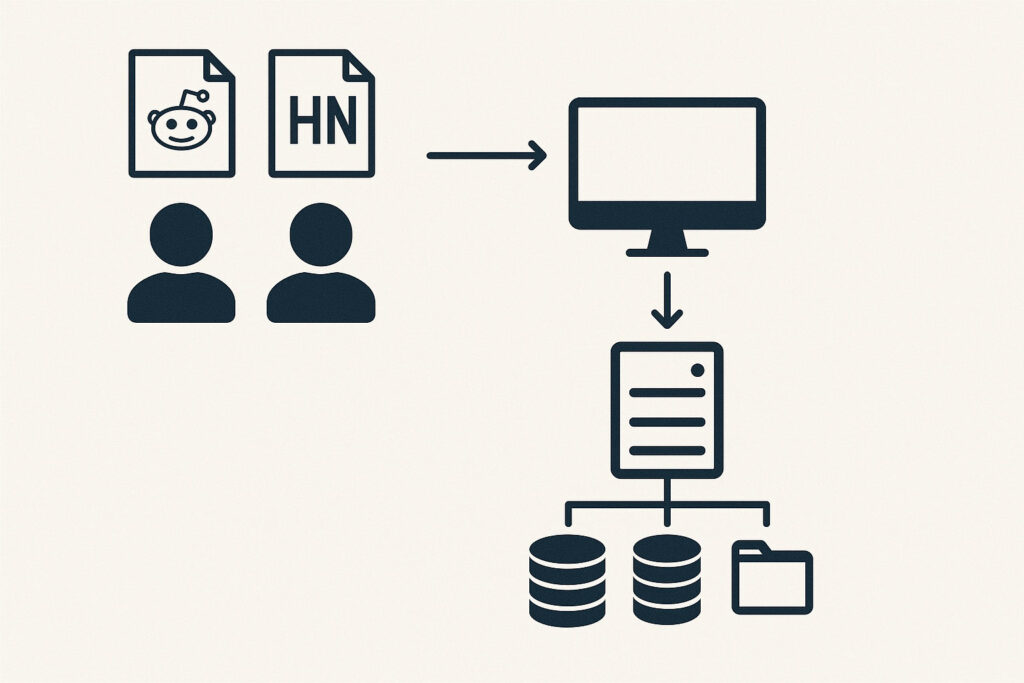
When your post hits the front page of Reddit or Hacker News, two things happen: dopamine and denial. Dopamine because traffic explodes; denial because your budget WordPress stack suddenly looks very small. I’ve helped dozens of sites ride these waves without a white-screen meltdown. This playbook gives you concrete, copy-paste tactics to survive spikes on shared or low-cost hosting – with the exact caching rules, queue strategies, worker math, and incident runbooks you can execute in minutes.
To enure your website is optimised ready and waiting, run it through our website speed score analyser.
What a Traffic Spike Does to WordPress
WordPress under burst load fails in predictable ways:
- Worker Starvation: Requests queue behind long-running PHP processes. Visitors see 502/503 or timeouts.
- Cache Miss Stampedes: A hot post expires; thousands of concurrent misses rebuild the page all at once.
- Database Contention: wp_options autoload bloat and unindexed meta queries spike CPU/IO wait.
- Session & Cookie Bypass: Logged-in or “personalized” cookies disable page cache and slam PHP.
- Cron & Email Spikes: wp-cron fires per-request; newsletters/webhooks fight for the same workers.
Good news: most of this is solvable with hard cache, smarter TTLs, and basic queue hygiene. You don’t need to throw money at scale – you need to deny PHP the chance to run for anonymous readers.
Stay Put or Upgrade? A Quick Decision Path
If you’re on entry-level shared hosting, ask two questions:
- Can I serve 95% of spike traffic from a CDN + page cache? If yes, stay (optimise). If no, upgrade.
- Do I have unavoidable dynamic features on the hot page? (logged-in gating, cart fragments, custom searches). If yes, consider a step up or partial staticization.
Still unsure? Read need to upgrade from shared hosting? for a deeper breakdown of when to move.
Triage First: Fast Switches To Flip In 10 Minutes
In the middle of a spike, make these changes first; they have the highest impact-to-effort ratio:
- Force a global full-page cache for anonymous users on hot posts (60 – 120 min TTL; enable “serve stale” on error).
- Stop wp-cron per-request:
define('DISABLE_WP_CRON', true);and replace with real cron (every 5 minutes) so cron jobs don’t steal workers. - Purge only the hot URL, not the whole site – to avoid cache stampedes.
- Defer newsletters/emails/feeds – queue them; don’t send during the spike.
- Disable non-essential plugins (A/B testing, heatmaps, heavy SEO crawlers).
- Turn on a skinny theme mode (remove sliders, heavy JS, and non-critical CSS).

Full-Page Cache: From “maybe cached” to “near-static”
Budget survivability hinges on one principle: edge-first HTML for anonymous readers. Implement the following:
Cookie Hygiene – stop accidental cache bypass
Any cookie = no cache. Audit and remove for anonymous users:
- WooCommerce fragments (
woocommerce_items_in_cart) on non-shop pages - Consent banners that set cookies before interaction
- Theme “remember” or personalization cookies
Use “Set-Cookie denylist” at the CDN or plugin level for public pages. Serve the banner as a one-time, no-cookie UI until accepted.
Recommended TTLs
- Hot post HTML: 120 minutes
- Static assets: 30 days
- API routes (read-only): 10 – 30 minutes
Enable stale-while-revalidate and stale-if-error so the cache keeps serving even if origin chokes.
Avoid full-site purges
Purge only changed URLs and linked critical fragments (hero image, CSS). Triggering a site-wide purge during a spike is a self-inflicted DDoS.
Edge rules you can copy
# Pseudo-logic for CDN rules IF request is GET/HEAD AND user is anonymous AND path is /blog/* OR /category/* OR /{post-slug} THEN cache HTML at edge ELSE bypass Serve stale on: origin error, 500/502/503, or origin connect timeout
PHP Workers, Queues & Concurrency Math You Can Trust
You don’t need 20 workers to survive; you need to avoid using them.Back-of-napkin RPS (requests per second)
- With a strong page cache, origin sees ~2% of total traffic.
- At 50k visits in 60 minutes (~833 RPS), 2% to origin is ~17 RPS – trivial if requests are cheap.
Where it fails: cache misses or uncached fragments that take 400 – 1000 ms each. Ten of those in parallel – workers queue, visitors time out.
Control miss stampedes
- Lock rebuilds: only 1 worker regenerates a page; others serve slightly stale.
- Randomized TTL jitter: stagger expirations to avoid synchronized purges.
- Origin shield: one regional cache rebuilds; others pull from it.
Cron and Mail queues
Disable per-request cron and run via system cron every 5 minutes. Move newsletter sends to a queue provider or scheduled off-peak. This alone can halve worker pressure.
Need to estimate cost if a move is still required? Use calculate your cost for hosting to model traffic growth and the budget impact before you switch.
Database & Object Cache: Keep MySQL Out of the Hot Path
Anonymous readers shouldn’t tickle MySQL at all. But when they do, make it painless:
- Enable persistent object cache (Redis). Cache transients, options, menus, and short-lived API results.
- Reduce autoload in wp_options: remove stale plugin entries; keep
autoloadunder ~1 – 2 MB. - Index heavy queries: postmeta lookups for popular templates may need composite indexes.
- Search: offload to a hosted search engine or use a lightweight local indexer; never let /?s= become your hottest endpoint during a spike.
Symptoms that DB is hurting: slow queries > 300 ms, growing threads_running, or InnoDB row lock waits. If you must choose: put effort into edge HTML cache first; DB tuning is the second-order win.
CDN, Edge & Media Offload
- Always-on CDN in front of origin, not just for images. Cache HTML for anonymous traffic at the edge.
- Media offload to object storage/CDN to remove origin egress. Resize at build time; serve webp/avif.
- Compression: enable Brotli; precompress HTML/CSS/JS where supported.
- Preconnect/prefetch for critical CDNs and fonts to shave TTFB under load.
Code-level Hardening
Lightweight template for hot posts
- Remove carousels and external widgets.
- Inline critical CSS for the post; defer everything else.
- Use server-side includes or fragments that are independently cached.
Block ad-hoc heavy endpoints
# nginx-style pseudo rules location ~* ^/wp-json/.* { limit_req zone=api burst=20 nodelay; add_header Cache-Control "public, s-maxage=600, stale-while-revalidate=60"; }
Don’t let search kill you
Disable site-wide live search during spikes. Replace with a cached “Top 10 links” box and a message. Re-enable after the wave.Staticize the hero
On the hot post, pre-render table of contents, author box, and related posts as static HTML so you aren’t calling custom queries at runtime.
WAF, Rate Limiting & Bots
- Rate limit wp-login.php and xmlrpc.php aggressively (JS challenge or throttling).
- Bot score gates for /wp-json and any dynamic endpoint that can be scraped.
- Block query-string abuse – deny long and suspicious parameters during the spike.
- Respect good bots – serve them cached HTML; don’t 403 Googlebot unless it’s hammering non-cacheable routes.
Your Incident Runbook
T – 30 minutes (or as soon as you notice)
- Identify hot URLs; pin them in your cache plugin/CDN with TTL 120 minutes.
- Enable “serve stale” on error/timeouts; lock regenerate.
- Turn off per-request cron; start system cron.
- Disable heavy plugins; switch theme to light mode for the hot post template.
- Announce a temporary freeze on edits that would purge the hot page.
During the spike
- Watch origin RPS and queue depth, not just pageviews.
- Keep purges scoped. If you must update, use a “staged rebuild” pattern.
- Throttle /wp-json and /?s= traffic. Serve static alternatives where possible.
- Hold email and webhooks. Release in the cool-down window.
After the spike
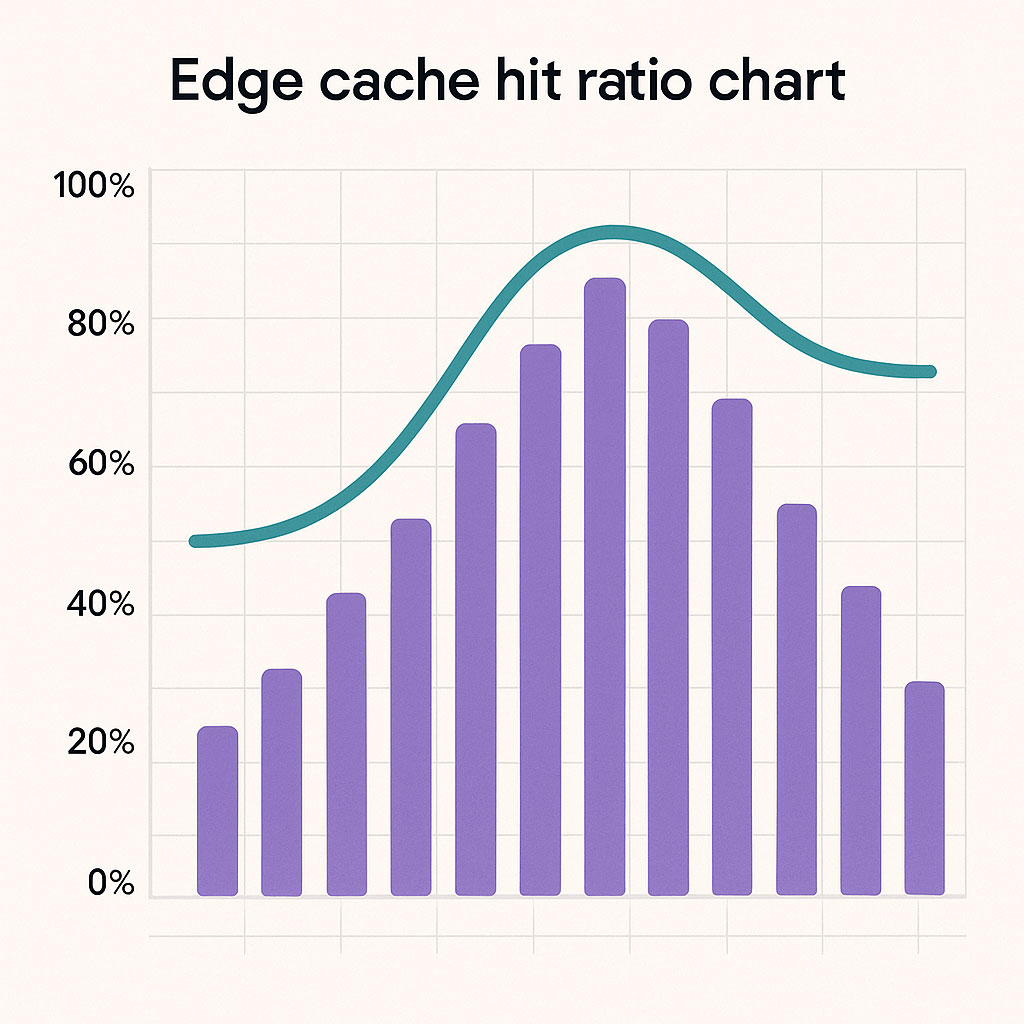
- Collect logs: edge-cache hit ratio, 5xx rate, top uncached URLs.
- Add indexes for the slowest queries observed.
- Right-size hosting if your baseline just moved up. See best hosting provider for wordpress for vetted options and architectures.
Three Budget Archetypes That Can Survive Spikes
| Archetype | Core Stack | Burst Readiness | Pros | Cons | Who it’s for |
|---|---|---|---|---|---|
| Edge-First Shared | Shared host + full-page edge cache + Redis object cache | ★★★★★ | Cheapest; excellent if HTML truly static for anon users | Strict cookie hygiene needed; dynamic features limited | Blogs, docs, news posts that don’t require sessions |
| LiteSpeed Shared | LiteSpeed hosting + LSCache + QUIC edge | ★★★★☆ | Powerful server-level cache; easy HTML caching | Be careful with ESI and cookie exceptions | Content sites with occasional promos or shortcodes |
| Cheap VPS + CDN | 1–2 vCPU VPS + NGINX/OPcache + CDN HTML caching | ★★★★☆ | More control; room for Redis & tuned PHP-FPM | DIY ops; misconfig hurts more than shared | Technical owners who will maintain the stack |
Notes: “Burst Readiness” here rates the pattern, not a specific company. For concrete providers and updated test data, see best hosting provider for wordpress.
Buying & Optimization Guide (for future-proofing)
CPU vs Workers vs Memory
- CPU moves PHP along faster. Fewer workers needed if your requests are short-lived.
- Workers help only if your requests are already cheap. Don’t scale inefficiency.
- Memory keeps OPcache and Redis hot. Starved memory = evictions = slow restarts.
Edge matters more than origin
Put meta-effort into a bulletproof page cache. It’s routine to serve 95 – 99% from the edge when anonymous. Everything else is second order.
Plugin discipline
- Limit to one cache plugin. Duplicated caching causes bypasses.
- Avoid per-visitor personalization unless you really need it.
- Keep the homepage and hot posts “static-ready”.
Observability you’ll actually use
- Edge cache hit ratio
- Origin RPS and 5xx rate
- Top uncached URLs
- Slow query log (time > 300 ms)
Planning a move? Sanity check with calculate your cost for hosting to keep budget creep under control. If you’re truly outgrowing shared, validate with this guide: need to upgrade from shared hosting?
Pros & Cons: Running Spikes on a Budget Stack
Pros
- Lowest monthly cost while still serving tens of thousands of spike visits/hour.
- Simple to operate once cache rules and cron are dialed in.
- Portable – you can reproduce the same pattern on other hosts.
Cons
- Noisy-neighbour risk on shared plans if your cache misses.
- Dynamic features (carts, user dashboards) require special handling.
- Operational discipline needed – avoid random purges during spikes.
Example “Hot Post” Cache Profile (you can copy this)
- HTML cache TTL: 120 minutes; serve-stale 30 minutes; lock regenerate.
- Bypass cache if
wordpress_logged_in_*orcomment_author_*cookies exist. - Remove all other cookies for anonymous readers of single posts.
- Purge on post update only; block “related posts” widgets from changing HTML.
- Preload: hit the hot URL from 3 regions after publish to warm edge.
Handling News Spikes on Budget Hosts FAQs
Not if you’re truly caching HTML at the edge. Many sites ride 50k – 200k visits/hour on shared plans when configured properly. If you can’t avoid personalization or have complex dynamic logic, consider moving up – start by reading need to upgrade from shared hosting?.
120 minutes with stale-while-revalidate usually wins. If the story evolves quickly, purge the single post URL – do not nuke the entire cache.
Fewer than you think. If 98% of traffic is cached, origin concurrency stays small. Workers help only after fixing cache misses and long-running queries.
It’s not mandatory to survive a spike with an excellent page cache, but it smooths uncached paths and dashboard performance. Use it.
Edge-first shared, LiteSpeed shared, or a tuned 1–2 vCPU VPS with CDN cache can all work. For provider-specific picks and current test data, go to best hosting provider for wordpress.
No – you can bypass cache on POST and for users with specific cookies. Keep GET of the main article cached; POST routes stay dynamic.
Copy-Paste Checklists
Spike Mode Toggle (10-minute setup)
- Enable edge HTML cache for /{post-slug} with TTL 120 min; serve stale on error.
- Bypass cache only for logged-in and commenters; strip other cookies for anonymous.
- Disable per-request cron and run system cron every 5 minutes.
- Disable heavy plugins and dynamic widgets on the hot post template.
- Hold newsletters/webhooks until after the spike.
Post-Spike Retrospective
- Extract top 10 uncached URLs and fix each: add caching, reduce cookies, or pre-render.
- Set index on the slowest meta query observed.
- Document an “editor purge policy” to avoid whole-site purges.
- Model new baseline and budget with calculate your cost for hosting.
Where to Go Next
If your current stack is near its ceiling or you need managed help, compare ready-made options here: best hosting provider for wordpress. If you’re debating the economics of a move, this explainer breaks down the tradeoffs: need to upgrade from shared hosting?
Star Ratings Summary (Pattern-Level, not Provider-Specific)
| Dimension | Edge-First Shared | LiteSpeed Shared | Cheap VPS + CDN |
|---|---|---|---|
| Burst Survivability | ★★★★★ | ★★★★☆ | ★★★★☆ |
| Setup Complexity | ★★☆☆☆ | ★★★☆☆ | ★★★★☆ |
| Ongoing Maintenance | ★★☆☆☆ | ★★★☆☆ | ★★★★☆ |
| Cost Efficiency | ★★★★★ | ★★★★☆ | ★★★☆☆ |
Reminder: These stars score the architecture pattern, not a specific host. For current provider rankings and data-backed picks, head to best hosting provider for wordpress.
Final Take
Most sites don’t need an expensive plan to survive the front page. They need to stop letting anonymous readers execute PHP. If you do only three things, do these: 1) force edge HTML caching with stale serving, 2) turn off per-request cron in favour of real cron, and 3) enforce cookie hygiene so your cache can actually work. When you’re ready to level up or validate that a move makes sense, compare options here: best hosting provider for wordpress and sanity-check the budget with calculate your cost for hosting. If your traffic shape changes permanently, revisit whether you need to upgrade from shared hosting?
If you found this content helpful,please consider sharing!:
More in Hosting
